
Why More Gamers Prefer Nintendo Switch Emulation
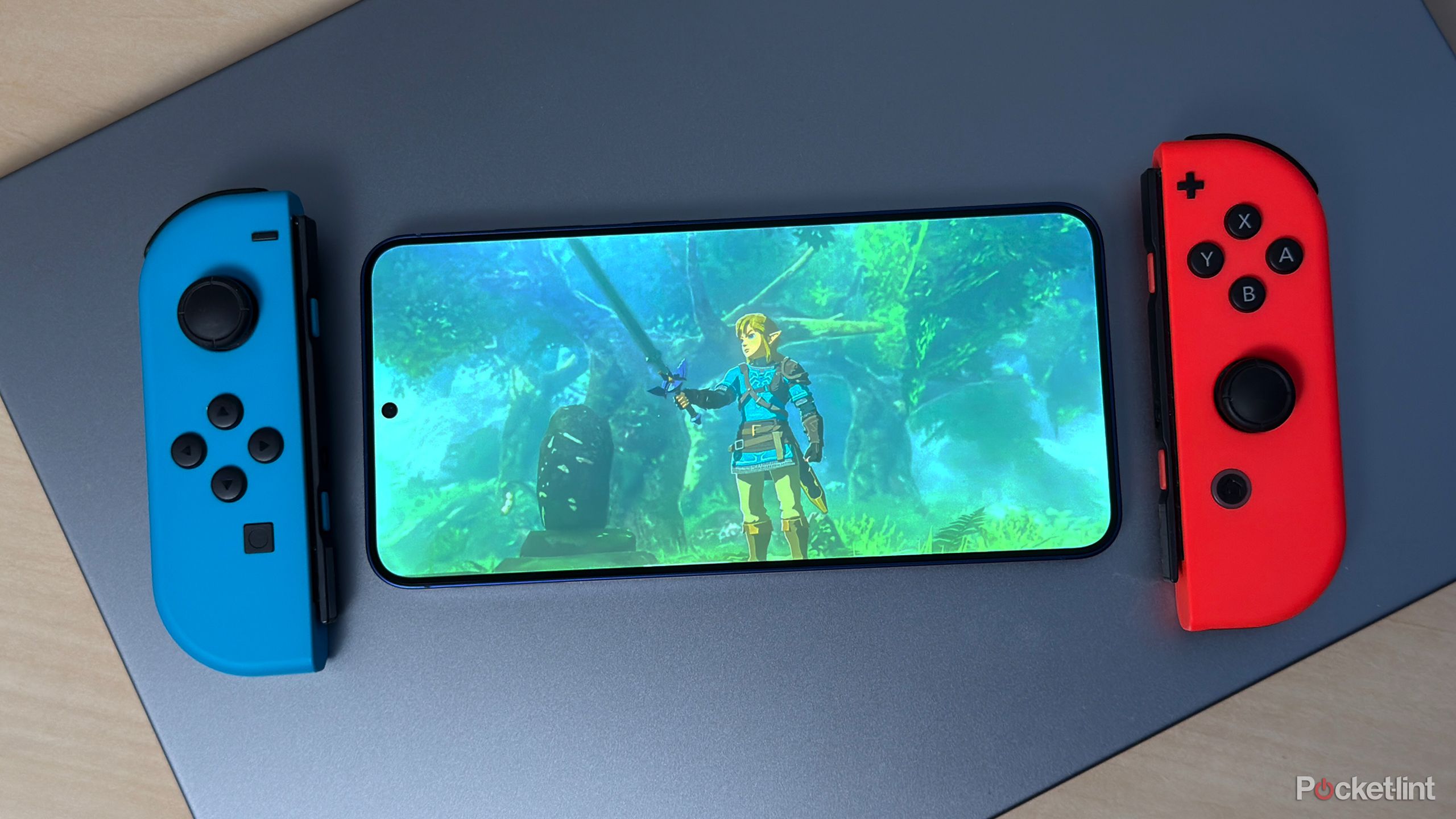
You want better performance, more display and control options, and a way to play both modern and older Switch games on your PC. Emulation gives you those things: higher frame rates, sharper visuals, and support for keyboards, controllers, and multi-monitor setups that the console doesn’t offer.
Emulation also lets you expand where and how you play—so you can run Switch games on powerful desktops, laptops, or portable PCs with custom settings and mods that improve gameplay and visuals.
This post will show why flexibility, technical upgrades, and broader access to titles drive more gamers toward Switch emulation, and how those benefits compare to using a physical Switch.
Flexibility of Multi-Platform Gaming
Emulation lets you run Switch games on a wide range of PC setups, change how inputs and visuals work, and store large libraries without swapping cartridges. You gain control over performance, controller mapping, and save locations.
Seamless Integration With PC Hardware
You can use your PC’s CPU, GPU, and RAM to boost game performance beyond the Switch’s limits. Emulators let you set resolution scaling (e.g., 2x or 4x native), unlock higher frame rates, and use mods that demand more processing power.
Connection options expand too. Plug in USB controllers, Bluetooth pads, or pro controllers and map them in the emulator. You can also route audio to different outputs and use overlays or capture tools for streaming.
Finally, emulation supports multi-monitor setups and higher resolutions for sharper UI and text. That means clearer visuals on 1440p or 4K displays without extra hardware purchases.
Freedom to Customize Controls and Graphics
You can remap every input to match your play style. Assign gyro to mouse, change stick dead zones, or set macros for complex combos. This helps if you prefer keyboard + mouse or a specific controller layout.
Graphic tweaks let you adjust anti-aliasing, texture filtering, and shader options. Many emulators support community texture packs and shader chains to improve or alter art styles safely. You can test settings for stable 60 fps or prioritize visual fidelity depending on the game.
Per-game profiles save your preferred control and graphic settings. That means one game runs at higher resolution while another uses frame-limiter and simplified effects for consistent performance.
Enhanced Portability and Storage Options
You can carry your game library on a portable SSD or cloud drive and launch titles on any compatible PC. That removes the need to transport physical cartridges or a Switch console between locations.
Emulators let you use multiple save slots and export/import save files easily. You can sync saves with cloud services or keep backups on external drives to avoid progress loss.
Compact PCs, gaming laptops, or handheld PC devices can run Switch titles with tailored settings. This gives you a portable play experience without buying a separate hybrid console, so your library and settings travel with your hardware.
Performance Enhancements and Technical Improvements
Emulation can boost frame rates, raise resolution, cut load times, and let you tweak gameplay for smoother, more stable sessions. These gains come from using faster PC CPUs, GPUs, and specific emulator features that change how games run.
Access to Higher Frame Rates and Resolutions
You can run Switch games at native 60 FPS or higher on many PCs. Emulators let you set internal resolution well above the Switch’s 720p–1080p output, so textures and UI elements look sharper on large monitors.
Some emulators offer frame-rate caps and V-sync controls. You can force steady 60 FPS in games that run below that on original hardware. Hardware upscaling and post-processing (like anti-aliasing and anisotropic filtering) reduce jaggies and improve visual clarity.
Be aware of CPU and GPU limits: CPU-heavy scenes still bottleneck performance. Use settings like multithreaded CPU emulation or shader cache to lower stutters. Monitor temps and power limits to keep sustained performance.
Faster Load Times Compared to Original Hardware
PC NVMe SSDs and high-speed RAM cut loading screens dramatically. Many users see load time drops from minutes to seconds in open-world titles when compared to cartridge or eMMC-based Switch storage.
Emulators also use async I/O and read-ahead caching to preload assets. That reduces hitching when new areas stream in during play. You can set larger disk and memory caches to smooth streaming, but that uses more RAM.
Note that some games rely on Switch-specific storage behavior. In those cases, aggressive caching can cause edge-case bugs. Test settings per game and keep backups of your save files.
Modification and Optimization of Gameplay
You can apply mods, patches, and performance-focused fixes that the original console cannot. Common changes include unlocked framerates, texture packs, localized fan translations, and CPU/GPU thread tweaks.
Emulators let you override shaders, skip problematic GPU calls, or use custom shader caches to stop frame drops. Community-made patches often fix bugs or boost compatibility for specific titles. You can also bind controller inputs differently or use motion-to-button mapping for better control.
Keep mod management organized. Use separate folders and document changes so you can revert if an optimization breaks gameplay or corrupts saves.
Expanding Access to Classic and Modern Titles
Emulation lets you play games that are hard to buy today and run newer Switch releases with higher frame rates or custom settings. You gain both access to rare regional releases and a platform for community-made fixes and enhancements.
Preservation of Rare or Region-Locked Games
You can find ROMs of games that Nintendo never released in your country or that only had small print runs. This includes fan-translated RPGs, region-exclusive sports titles, and obscure retail-only releases that physical collectors charge high prices for.
Emulators let you patch dumps with translations, bug fixes, or compatibility tweaks so those games run on modern hardware. They also let you keep a digital archive of cartridges or cartridges’ content you already own, which protects games against lost, damaged, or aging media.
Using emulation for preservation often means applying verified ROM dumps and checksums so your files match the original carts. That helps maintain authenticity while giving you practical ways to play titles the official store or Switch Online may not offer.
Community-Driven Content and Updates
Communities build plugins, performance patches, and shader packs that improve graphics, reduce input lag, or fix glitches in older games. You can choose tailored builds that prioritize resolution, controller mapping, or multiplayer netplay.
Modders create texture packs, language translations, and quality-of-life features like save states, rewind, and widescreen hacks. These updates can revive games that feel dated or broken on modern systems without waiting for an official re-release.
You benefit from active forums, GitHub repositories, and curated compatibility lists that tell you which emulator settings work best for specific titles. That hands-on support often delivers faster fixes than platform holders provide.